
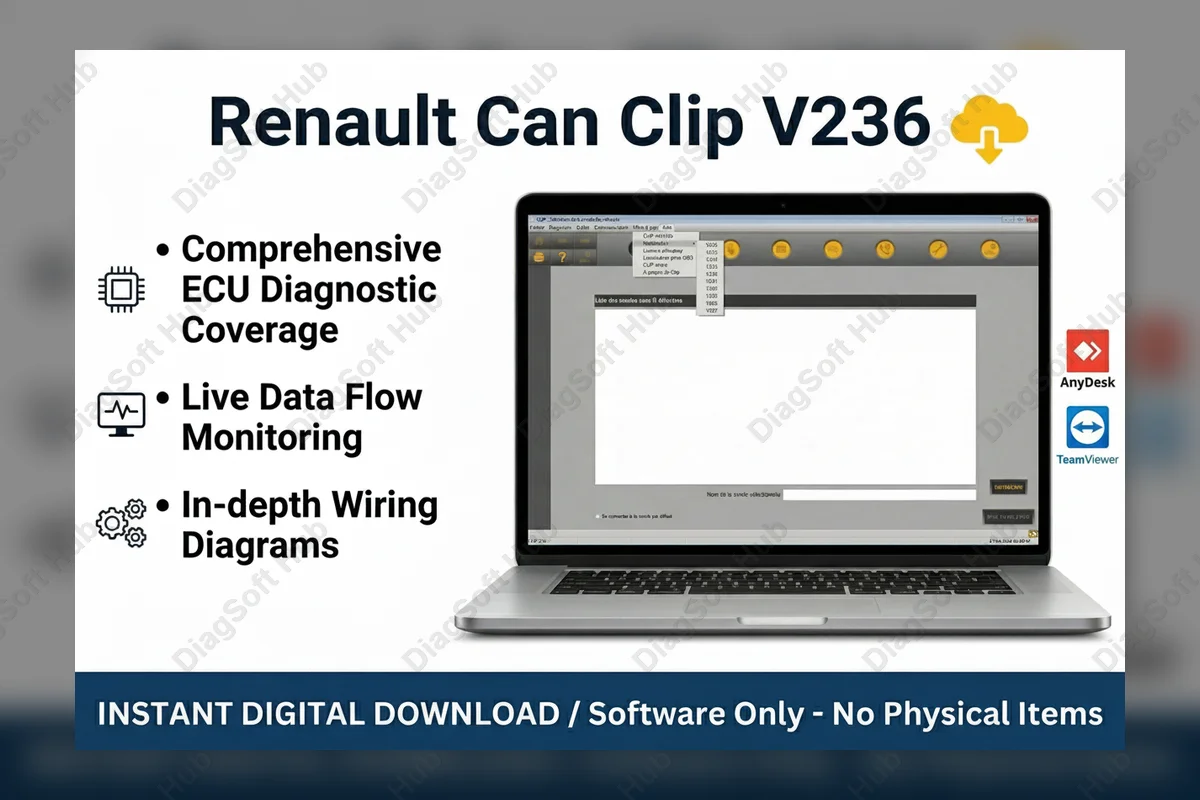
Key Features
- Full ECU Programming
- Automatic Vehicle Identification
- Comprehensive Fault Code Reading
- Real-Time Data Streaming
- Interactive Wiring Diagrams
- Dacia Support Included
Technical Specifications
Product Overview
The Ultimate Diagnostic Solution: Renault Can Clip V236
Take full control of Renault and Dacia maintenance with the Renault Can Clip V236, the official dealer-level diagnostic tool used by professional workshops worldwide. This powerful software allows mechanics to perform deep-level OBD2 diagnostics, going far beyond generic scanners. Whether you are performing complex ECU programming, troubleshooting intermittent electrical faults, or accessing detailed repair manuals, V236 provides the stability and vehicle coverage necessary for modern automotive repair.
Extensive Vehicle & System Coverage
Renault Can Clip V236 provides exhaustive coverage for the entire Renault and Dacia lineup, including the latest 2024 models. It provides seamless access to every onboard computer system, including the Engine Management, ABS/ESP, SRS Airbag, Automatic Transmission, and Body Control Modules (UCH). Designed for precision, it ensures that no fault remains hidden, allowing for faster turnaround times in busy garage environments.
Core Features Included:
- Full ECU Programming: Flash new modules and update existing firmware to the latest manufacturer specifications.
- Live Data Streaming: Monitor sensor values and system parameters in real-time to identify fluctuating performance issues.
- Fault Code Analysis: Read and clear Diagnostic Trouble Codes (DTCs) with detailed descriptions and freeze-frame data.
- Actuator Testing: Manually trigger components like fuel pumps, EGR valves, and cooling fans to verify physical operation.
- Key & Immobilizer Coding: Program new keys and configure security modules directly through the Clip interface.
- Maintenance Service Resets: Quickly reset service intervals, oil life monitors, and electronic parking brake service modes.
Minimum System Requirements:
- Operating System: Windows 10 or 11 (64-bit recommended)
- Storage: 10 GB free space
- RAM: 4 GB Minimum
Delivery & Installation Options:
- Manual Install: Instant download link provided immediately after purchase with a step-by-step PDF guide.
- Remote Support Install: Our expert technicians will connect via TeamViewer or AnyDesk to schedule an installation and activate the software for you safely and securely.